3 min read
What Is Microsoft Copilot and Is It Right for My Business?
THE POTENTIAL AND LIMITATIONS OF MICROSOFT AI The adoption of AI continues to accelerate across industries, including manufacturing. According to...
3 min read
WOULD YOUR BUSINESS BE READY FOR COPILOT TODAY?
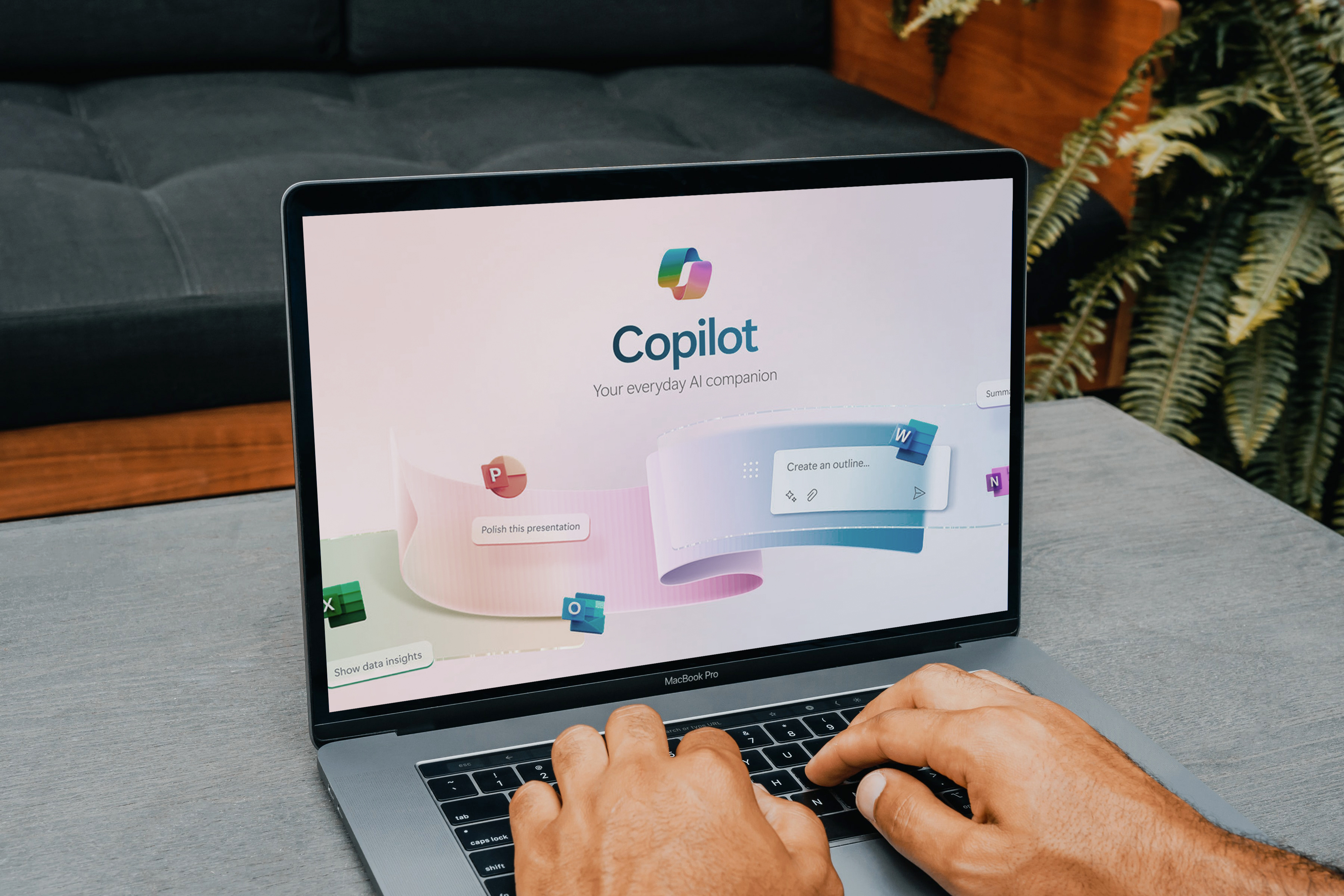
Microsoft Copilot doesn’t create new permissions. It inherits the ones you already have in place. The moment an employee signs in, Copilot reads across their email, chat, and files the same way they would, surfacing whatever access already exists. That single fact explains why two organizations with identical Copilot licenses can have completely different rollout experiences. One company turns it on and employees start saving hours a week. Another turns it on and immediately finds folders, files, and permissions nobody has looked at in years. The difference isn't Copilot. It's the Microsoft 365 environment behind it.
That’s why organizations should understand what folders and files employees can access before turning on Copilot. A review can help identify potential issues early and support a smoother, more successful rollout. To help clients, prospects, and others, Koltiv has provided a summary of the key details below.
Before Copilot, employees had to know where information was stored. An employee hunting for a document might search SharePoint sites, scroll through Teams threads, or dig through Outlook and OneDrive. If they didn't know where to look, they might never find it.
Copilot changes that experience. Instead of searching across multiple applications, employees can put a simple question into the chat box. For example, a project manager might ask Copilot to summarize everything related to a certain customer. Copilot searches across the Microsoft 365 content the employee already has permission to access, then generates a response in seconds.
That efficiency is one of Copilot's biggest advantages. It also puts a greater spotlight on existing permissions. Copilot doesn't scan the entire organization. It only draws from what the signed-in user is already cleared to access, which means confidential files stay protected only if the underlying permissions were set correctly in the first place. A sensitive document sitting in an overshared SharePoint folder gets treated like any other file the user can open. Copilot doesn't necessarily create that risk. It just finds it faster than a person would.
This is why permissions have become an important focus for organizations preparing to rollout Copilot in the coming months.
Permissions naturally change over time. Projects begin and end, employees change roles, contractors may even receive temporary access. Most of that churn is normal and supports the way teams collaborate. Occasionally, though, permissions remain in place after the original need has passed. This is commonly referred to as SharePoint oversharing.
The following examples illustrate what that can look like in practice:
None of these examples represent an inherent failure of Copilot. They reflect the permissions that already exist within the organization’s Microsoft 365 environment. Copilot just makes that information easier to find. Without the right permissions, that’s like a double-edged sword.
To remedy these issues, Microsoft gives administrators a starting point through the data access governance report in the admin center. The report shows how information is shared across the organization, flagging broadly shared content, external sharing, and other access patterns that may warrant a closer look before enabling Copilot.
Running the report is simple enough. The real value comes from reviewing the findings and deciding what, if anything, needs attention. Some broadly shared content may be necessary and intentional. Other permissions may not match how the business operates today, and others still may be an honest oversight that needs to be updated.
A Copilot Readiness Assessment picks up where the report leaves off. It reviews the findings in detail, sorts which issues represent meaningful risk, and builds a remediation plan that fits the organization’s timeline. Most organizations land in one of three places:
Rolling out Copilot is a strategic business decision, not just a technical one. Understanding your unique organization’s situation is critical to success. Starting with a Copilot Readiness Assessment gives your organization a clear picture of the Microsoft 365 environment, flags governance gaps before they become problems, and confirms whether existing permissions are ready to support a Copilot deployment. If you have questions about the information outlined above, Koltiv can help.


3 min read
THE POTENTIAL AND LIMITATIONS OF MICROSOFT AI The adoption of AI continues to accelerate across industries, including manufacturing. According to...

2 min read
GOOD IMPLEMENTATION VS. RUSHED ROLL OUT Imagine this scenario: A COO approves Microsoft Copilot licenses eager to unlock new productivity gains. The...

3 min read
THE MANUFACTURERS GAINING GROUND WITH AI ARE NOT NECESSARILY THE ONES WITH THE NEWEST EQUIPMENT. When manufacturing leaders hear “AI,” many still...

3 min read
PLAN AHEAD TO AVOID COSTLY MISSTEPS Imagine a business that feels confident about its Microsoft 365 environment. They manage it well, see no glaring...