
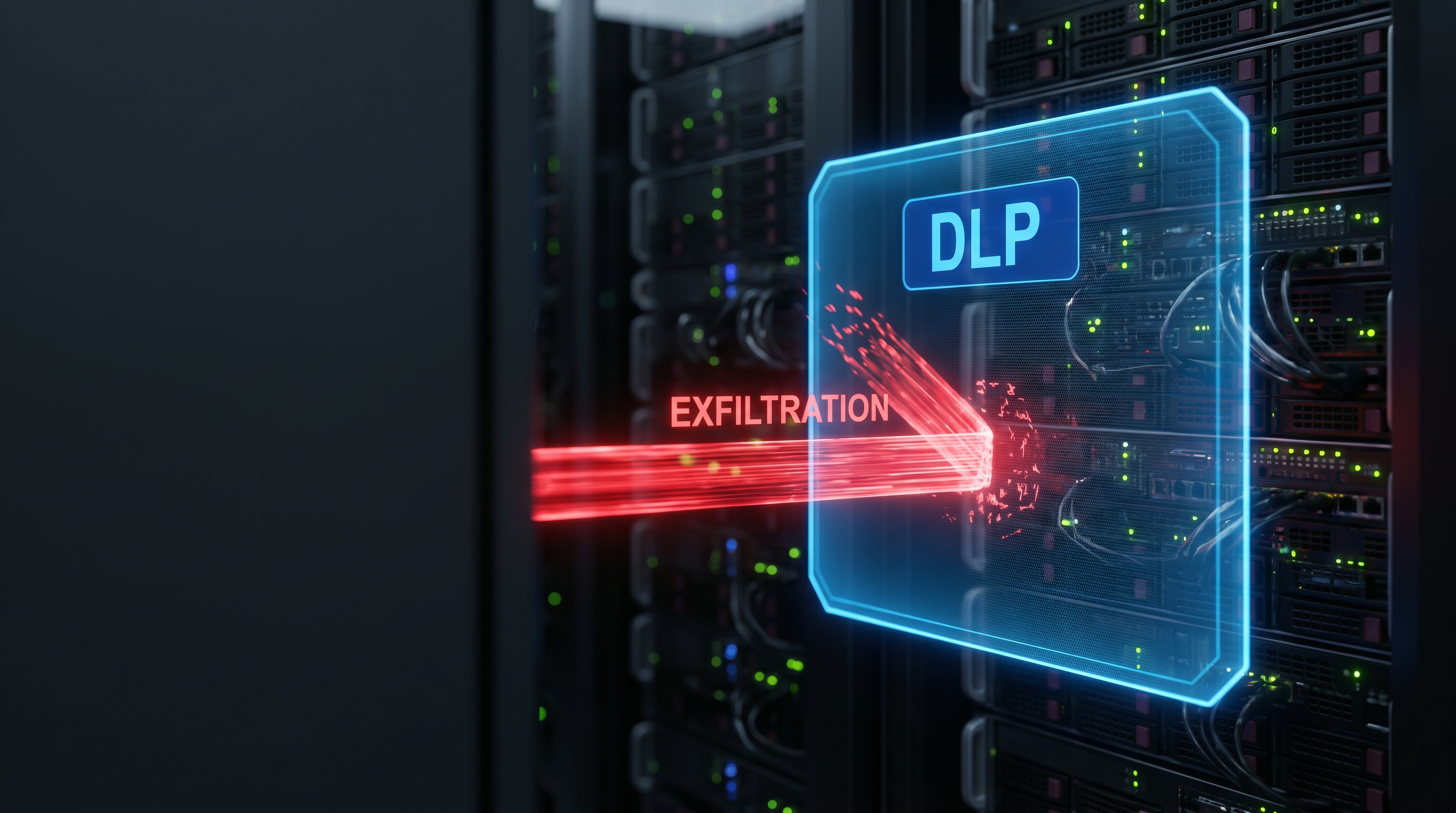
UNDERSTANDING DATA LOSS PREVENTION: PROTECTING YOUR BUSINESS'S MOST VALUABLE INFORMATION
Most business owners picture data loss as a malicious hacker hiding behind a screen, but it is often much less nefarious. Consider a typical month-end close. A controller still has work to finish, so they email a spreadsheet to a personal account to work on it from home. The file contains financial information and bank account numbers. No account was compromised, and no malware was installed. The employee had legitimate access to the file and permission to send email. Still, sensitive business information has left the company’s-controlled environment, and tools such as antivirus, firewalls, and MFA are unlikely to stop it.
That is where data loss prevention can help. Many businesses know Microsoft 365 as a productivity platform, but it also includes certain data protection capabilities. Data Loss Prevention, or DLP, is one of them. To help clients, prospects, and others, Koltiv has provided a summary of the key details below.
What Is Data Loss Prevention?
DLP helps organizations identify sensitive information and apply rules to how that information can be sent or shared. Within Microsoft 365, these controls are managed through Microsoft Purview. Many businesses have not yet explored the data protection tools available there.
In general, DLP works in three steps:
- Identify sensitive information. The business decides what constitutes sensitive information, such as Social Security numbers, financial account numbers, employee records, or certain customer data.
- Monitor how that information is used. DLP policies look for sensitive information in the Microsoft 365 locations covered by the organization’s policies and licensing.
- Respond when a rule is triggered. Depending on the policy, DLP can warn an employee, require additional justification, notify IT, restrict access, or block an action.
That is different from the job of many other security tools. Antivirus software is designed to detect malicious software, and multifactor authentication (MFA) helps protect against unauthorized access to an account. DLP focuses on how information is being used and shared.
Data Loss Prevention in Practice
DLP policies can respond in different ways depending on the type of information involved and the action an employee is taking. For example, an HR employee may attach the wrong spreadsheet to an email. If the file contains sensitive information, a DLP policy could display a pop-up message such as:
“This email appears to contain sensitive information. Are you sure you want to send it?”
In other situations, the organization may want a stronger response. A policy could prevent a sensitive file from being shared outside the company, even if an employee attaches it to an email, or require additional approval before the file can be sent.
DLP can also complement security awareness training. Training helps employees understand what information needs to be protected and what actions may create risk. DLP provides an additional safeguard.
What Does Microsoft 365 DLP Cover?
Business leaders first need to understand what sensitive information the organization has, where employees use it, and how it could leave the company environment. From there, the business can determine whether its current Microsoft 365 licensing provides the appropriate level of protection.
Microsoft 365 DLP capabilities vary by license. Microsoft 365 Business Premium and Microsoft 365 E3, for example, include DLP capabilities for Exchange Online, SharePoint Online, and OneDrive for Business. That allows organizations to apply policies to email and files stored in those Microsoft 365 services.
Files shared through Microsoft Teams may also be protected when they are stored in SharePoint or OneDrive. More advanced DLP capabilities, including protections for Teams and activity on employee devices, can require higher-tier licensing.
One common concern is an employee copying sensitive files to a thumb-drive or USB drive. That type of protection falls under Endpoint DLP, which extends DLP controls to activity on supported devices, including copying files to removable storage, printing, and certain browser activity.
For businesses that do not already have the required licensing, adding those protections is a budget decision. Leadership has to weigh the cost of additional Microsoft licensing against the risk associated with the information being protected.
Ongoing Management
Effective DLP policies include understanding which departments handle sensitive data, where that information normally needs to go, which actions should generate a warning, and which activities should be blocked.
A policy that is too broad can generate warnings during legitimate activities. If employees encounter those messages too often, they may begin dismissing them without carefully reviewing what triggered the warning. Policies that are too narrow can allow sensitive information to leave the environment without triggering the controls the business expected to have in place.
Business needs can also change. New employees, clients, workflows, or compliance requirements may be added. DLP policies work best when reviewed with a managed IT provider as those changes occur. The rules can be adjusted to best support the business.
Contact Us
DLP is an important part of cybersecurity strategy. It helps businesses protect sensitive information and reduce the risk of accidental data loss. However, it does depend on the right policies, regular review, and proper licensing. DLP for Microsoft 365 is included in Koltiv’s ARMOR and FORTRESS managed IT packages, along with services such as MDR, Dark Web Monitoring, and Security Awareness Training. If you’d like help evaluating your DLP needs or strengthening your managed IT environment, Koltiv can help. For additional information call 515.223.0078 or click here to contact us. We look forward to speaking with you shortly.